# Exercise 1: Database Connectors: MySQL CLI
## Prerequisites
+ Your TiDB serverless cluster is up and running.
## Section 1: Making connection to TiDB Serverless
1. On the `Clusters` page, click the name of the cluster to enter the `Overview` page of the cluster.
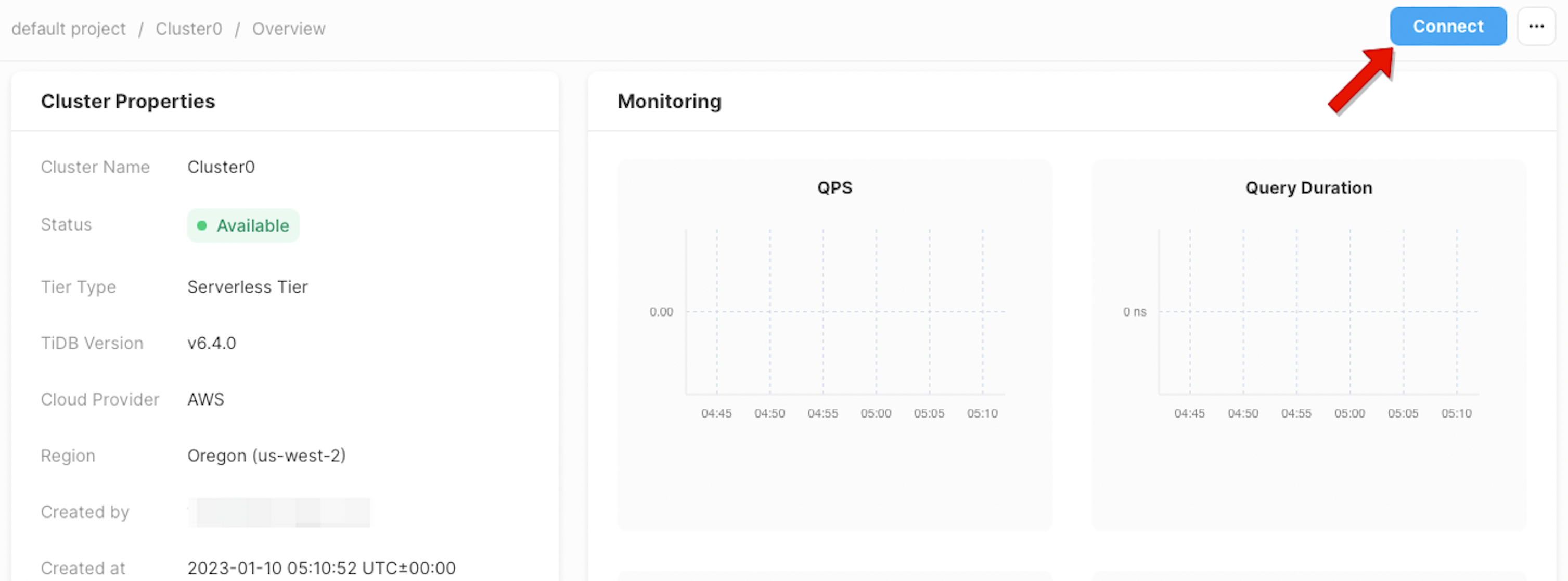
 2. On the `Overview` page, click `Connect` in the upper-right corner.
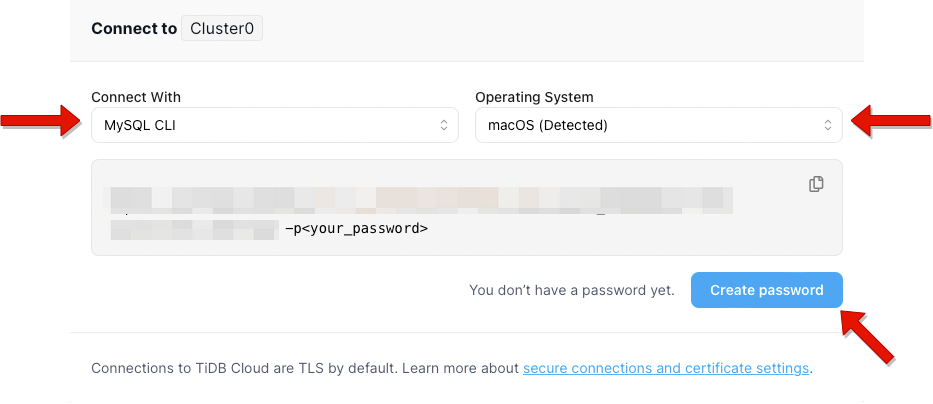
 3. Choose a connection method and Operating System, then click `Create Password`.
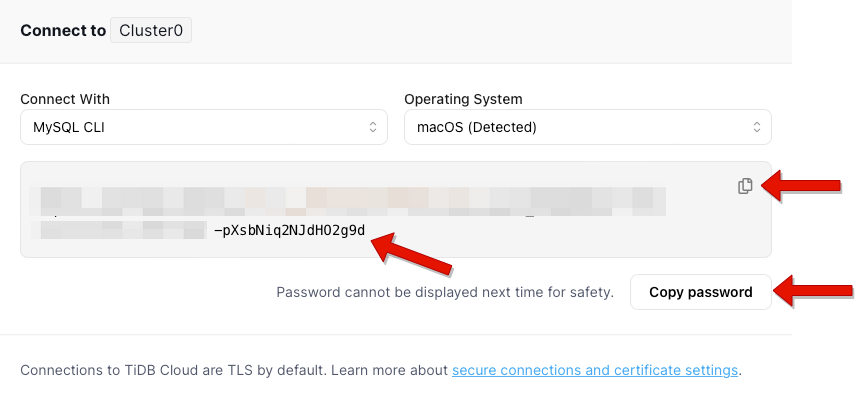
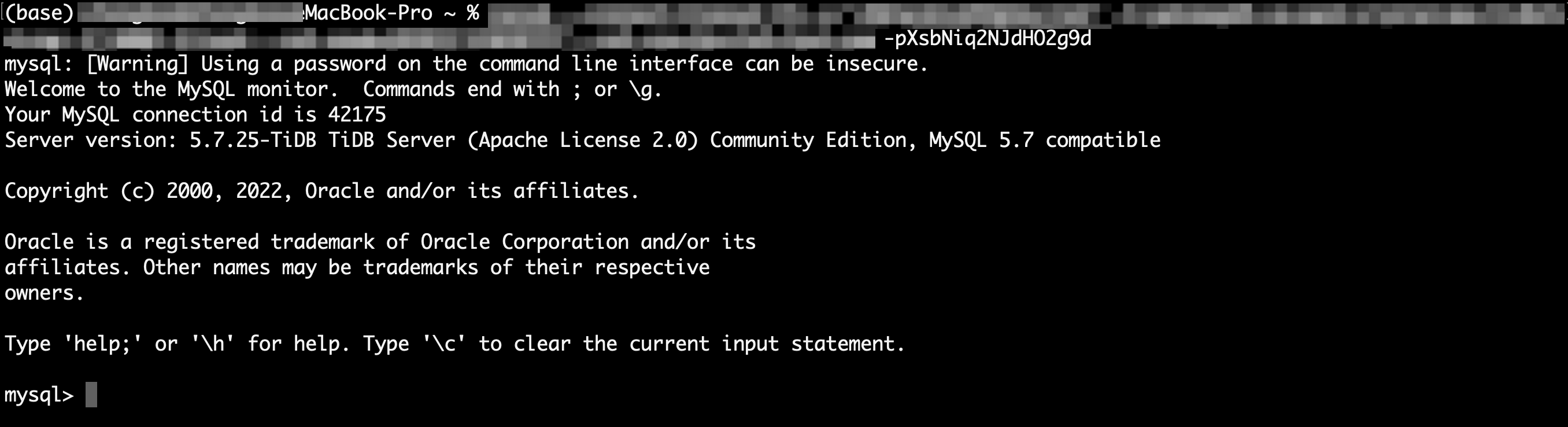
 4. You can click `Copy password` to save your password, or you can reset it when connecting next time. Connect to your cluster with the connection string.