# Exercise 1-1: Creating TiDB Cloud Account
## Overview
+ In this exercise, you create a TiDB Cloud account and sign in with your TiDB Cloud account.
## Duration
+ This exercise should take you approximately 5 minutes to complete.
## Tasks
1. Choose a suitable method to sign up for a TiDB Cloud account and log in to your TiDB Cloud account.
## Solution Steps
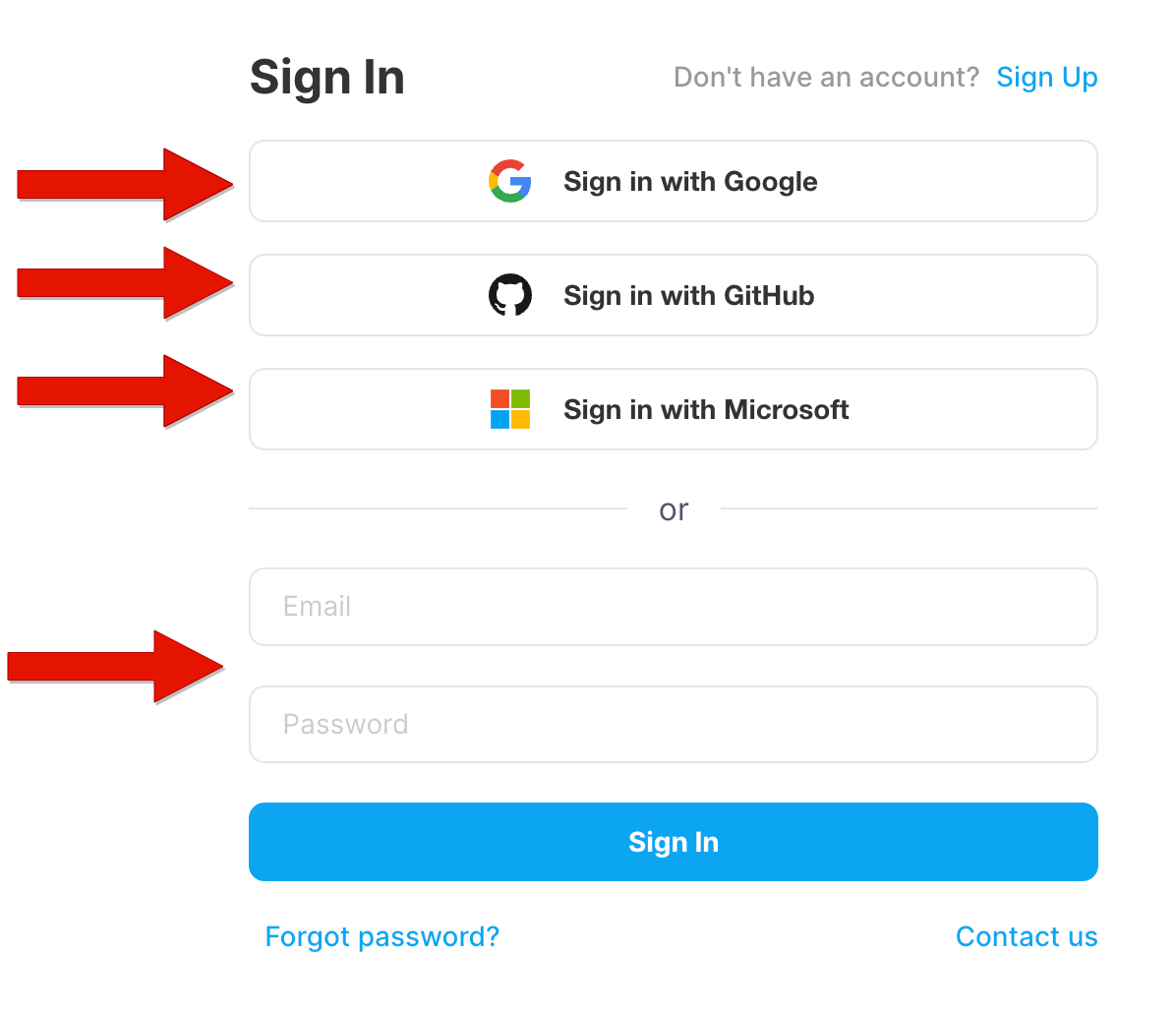
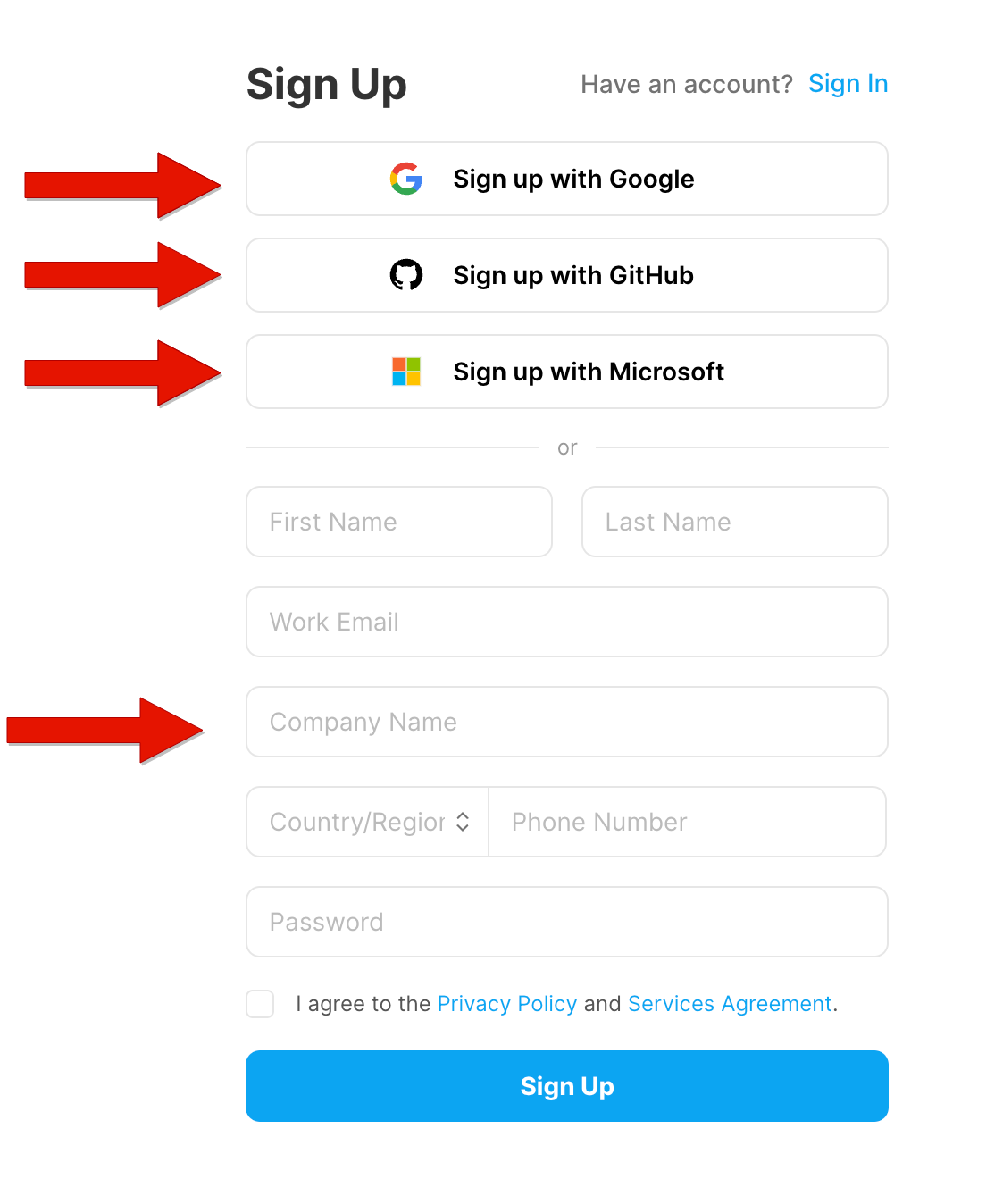
1. Go to [https://tidbcloud.com/signup](https://tidbcloud.com/signup) and sign up TiDB Cloud account (Skip this step if you already have a TiDB Cloud account). Click `Sign up` to register a TiDB Cloud account. You can sign up with Google, GitHub, Microsoft, Work Email or [AWS Marketplace](https://aws.amazon.com/marketplace).
 2. Go to [https://tidbcloud.com](https://tidbcloud.com) and `Sign in` with your TiDB Cloud account.