# Exercise 1-3: Creating `TiDB Dedicated` Cluster
## Overview
+ In this exercise, you create a `TiDB Dedicated` cluster.
## Assumptions
+ You have a credit card available as a payment method or you have already applied for `Credits`.
## Duration
+ This exercise should take you approximately 35 to 40 minutes to complete.
## Tasks
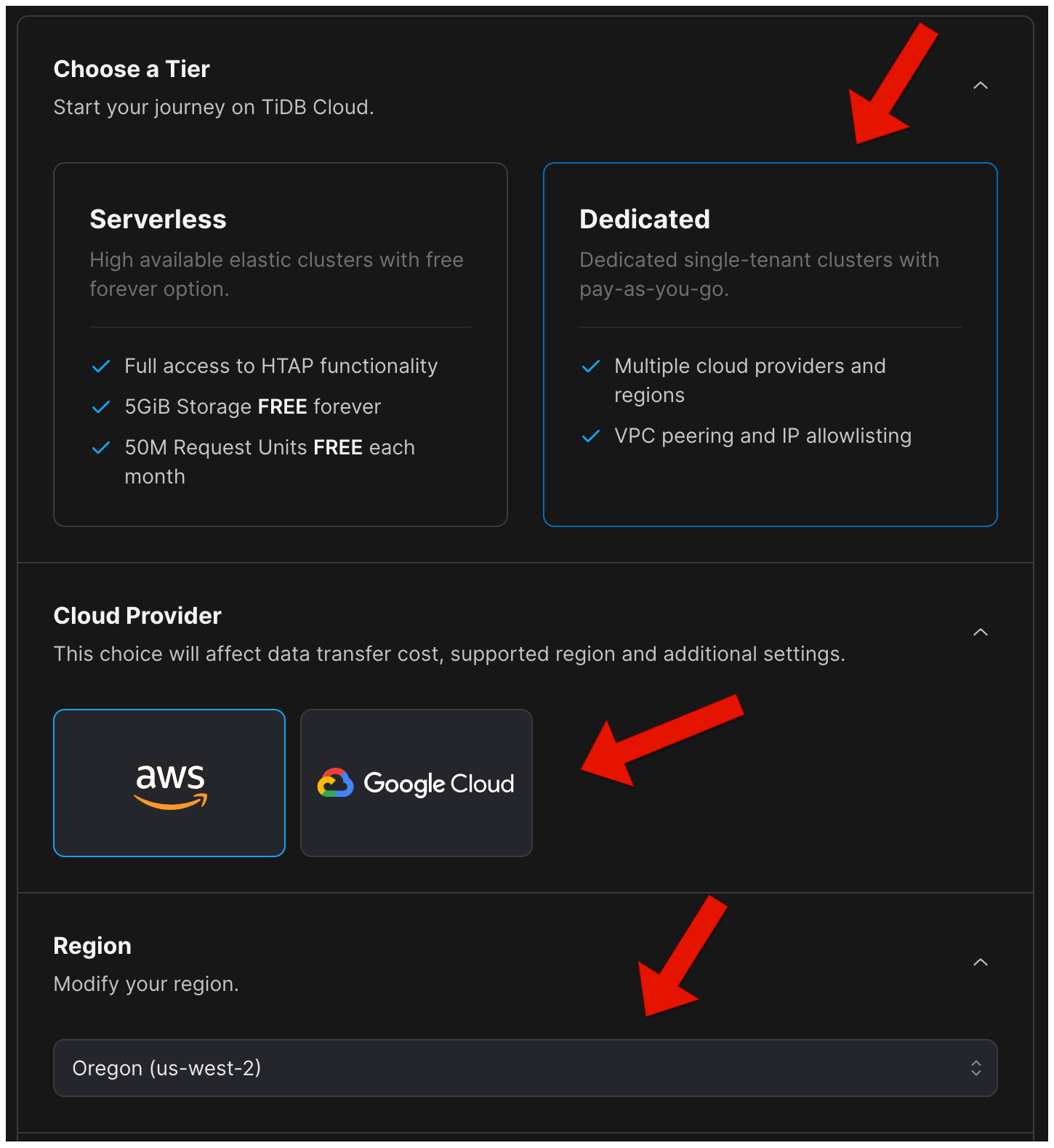
1. On the `Create Cluster` page, select `Dedicated` and then choose a cloud provider and a region.
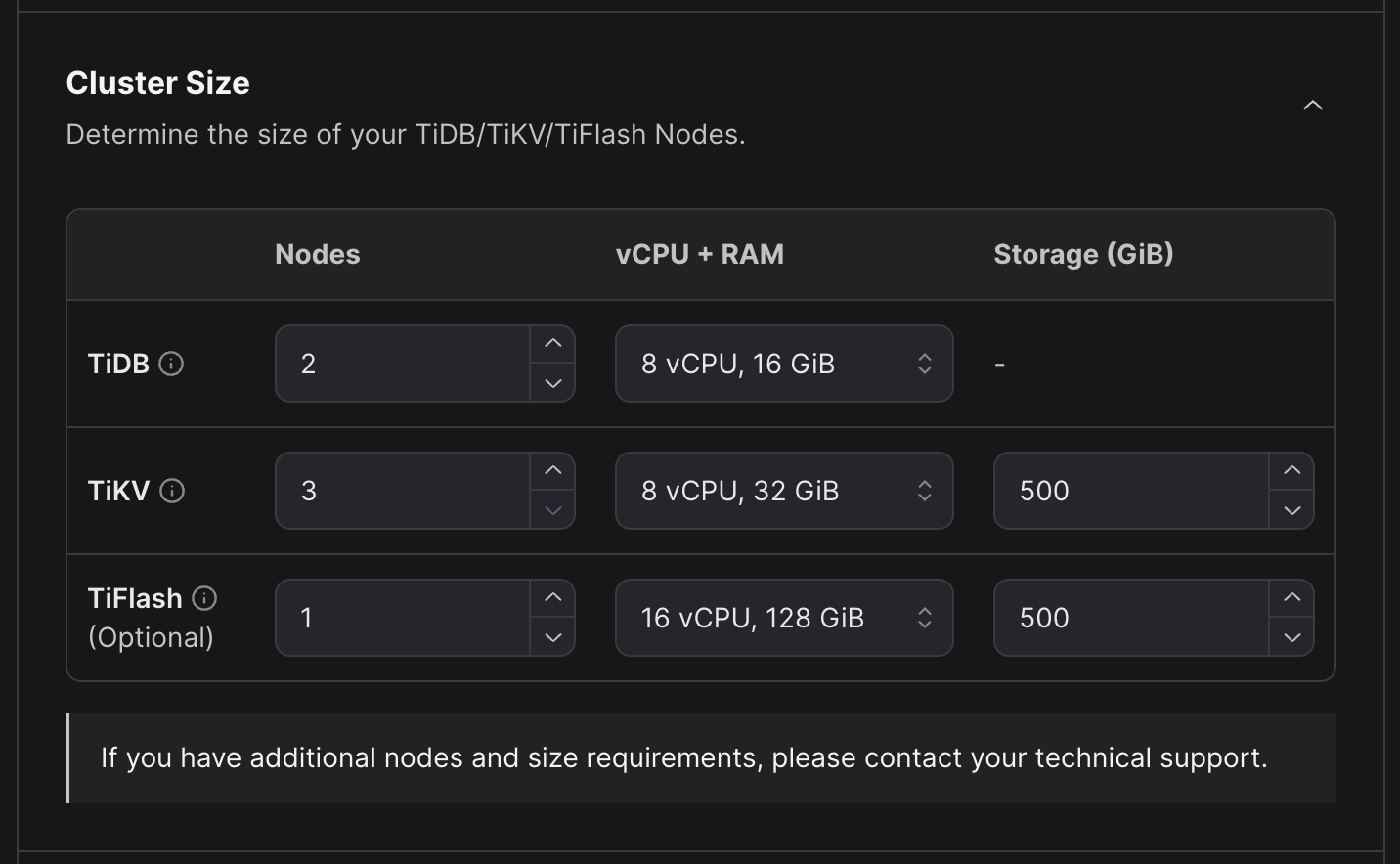
2. Configure the cluster size for TiDB, TiKV, and TiFlash (optional) respectively.
3. Configure the `Node size` and `Node Quantity` for `TiDB`, `TiKV`, and `TiFlash` (optional) respectively.
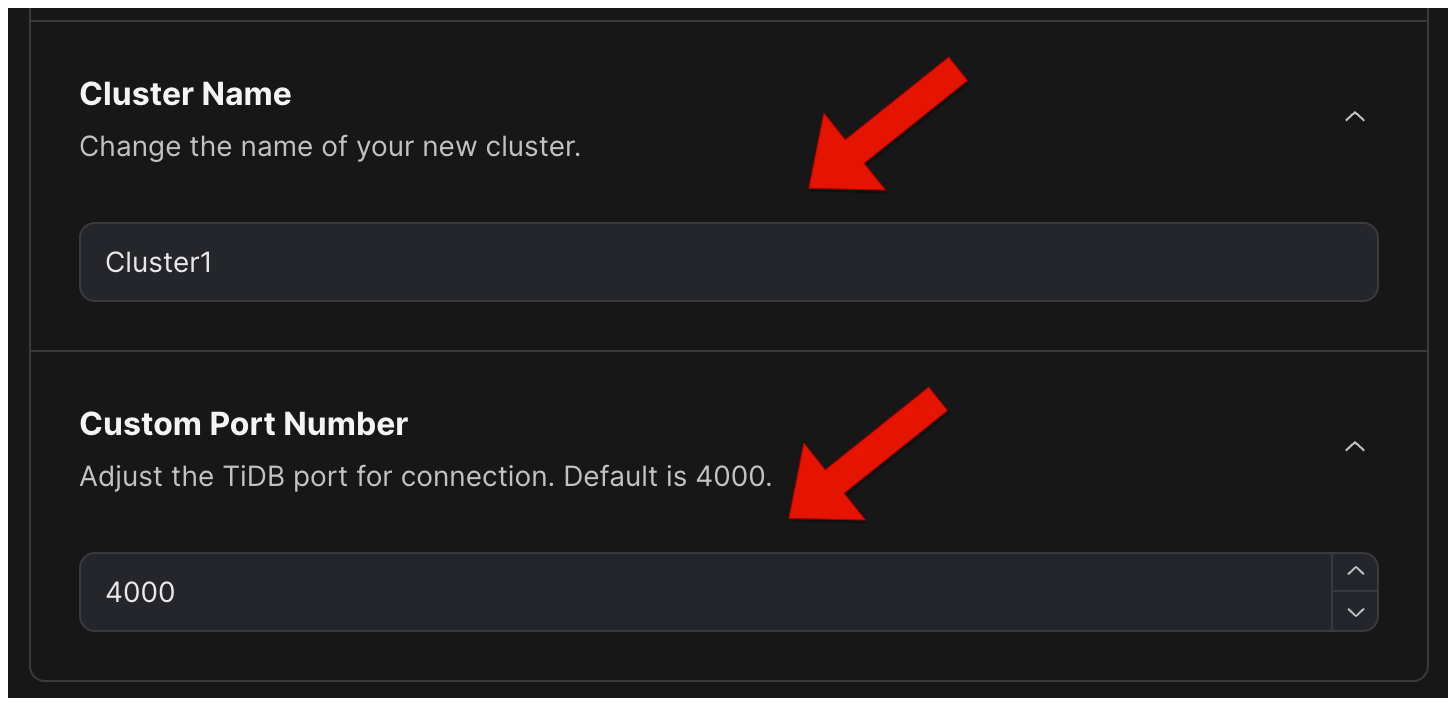
4. Update the default cluster name and set the `Project CIDR`.
5. Add a credit card if you have not added a payment method.
6. Wait for your TiDB Cloud cluster to be created.(approximately 20 to 30 minutes)
## Solution Steps
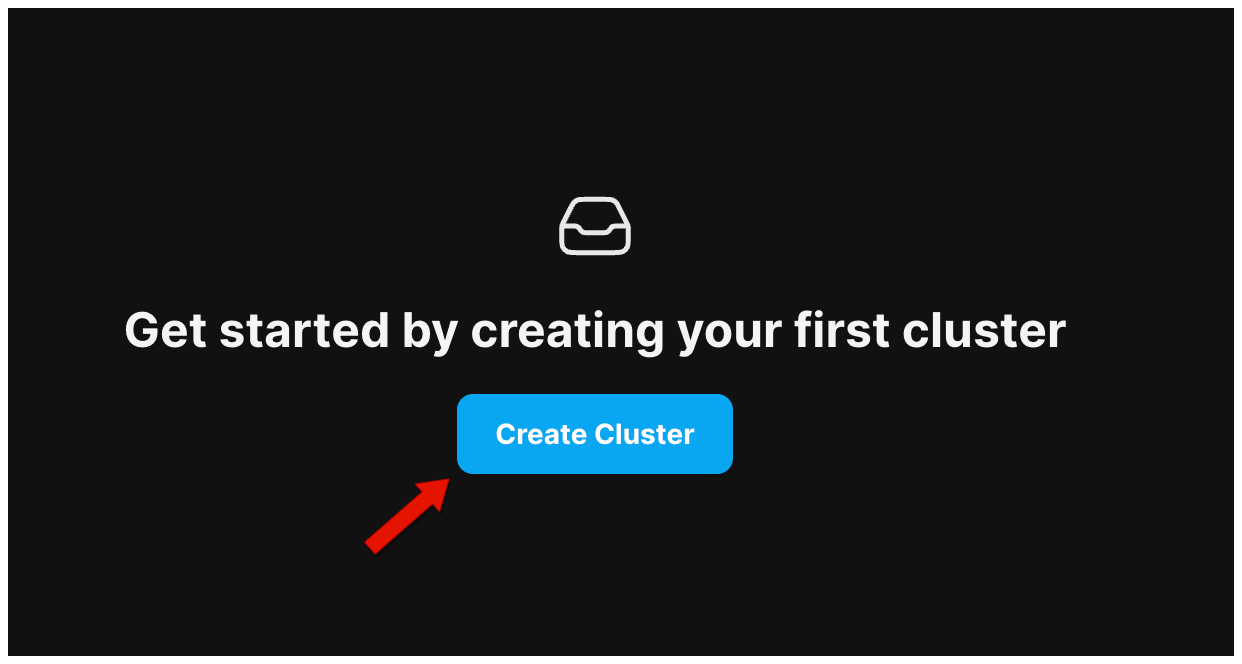
1. On the `Clusters` page, click `Create Cluster`.
 2. On the `Create Cluster` page, select `Dedicated` and then choose a cloud provider and a region.
 3. Configure the cluster size for TiDB, TiKV, and TiFlash (optional) respectively.
 4. Update the default cluster name and port number if necessary. If this is the first cluster of your current project and CIDR has not been configured for this project, you need to set the project CIDR. If you do not see the Project CIDR field, it means that CIDR has already been configured for this project.
 5. If you have not added a payment method, click `Add Credit Card`.
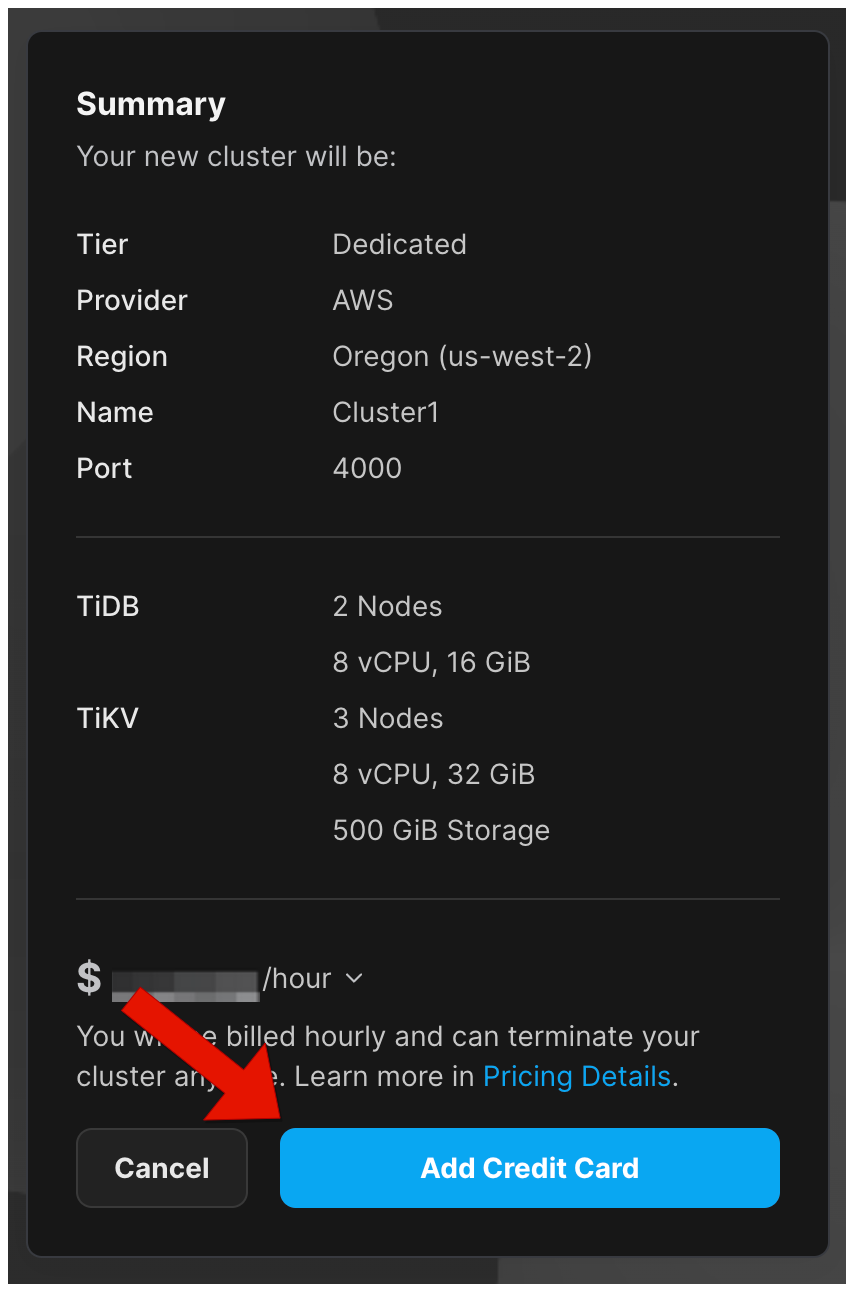 6. In the `Add Credit Card` window, provide your payment information, and then click `Save & Create`.
 7. Wait for your TiDB Cloud cluster to be created.(approximately 20 to 30 minutes)