# Exercise 2-4: Connecting to `TiDB Dedicated` Cluster by Web SQL Shell
## Overview
+ In this exercise, you connect to `TiDB Dedicated` cluster through `Web SQL Shell`
## Duration
+ This exercise should take you approximately 10 minutes to complete.
## Notes
+ This task is for `TiDB Dedicated`` cluster only.
### Tasks
1. On the `Clusters` page, click the name of the cluster to enter the `Overview` page of the cluster.
2. On the `Overview` page, click `Connect` in the upper-right corner.
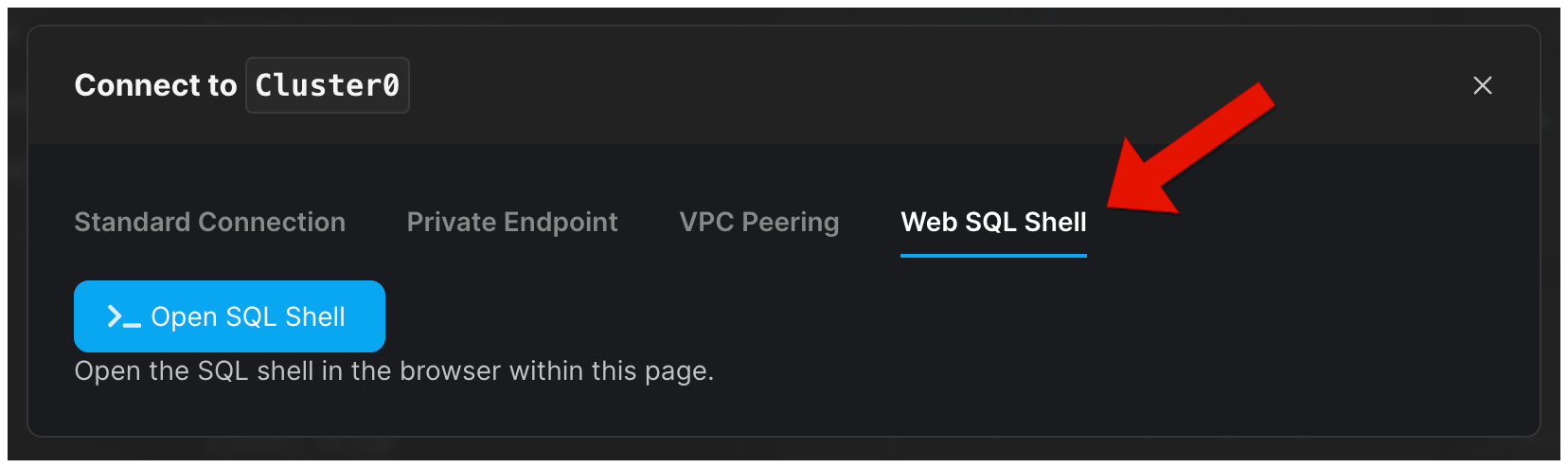
3. In the Connect setting window, select the `Web SQL Shell`.
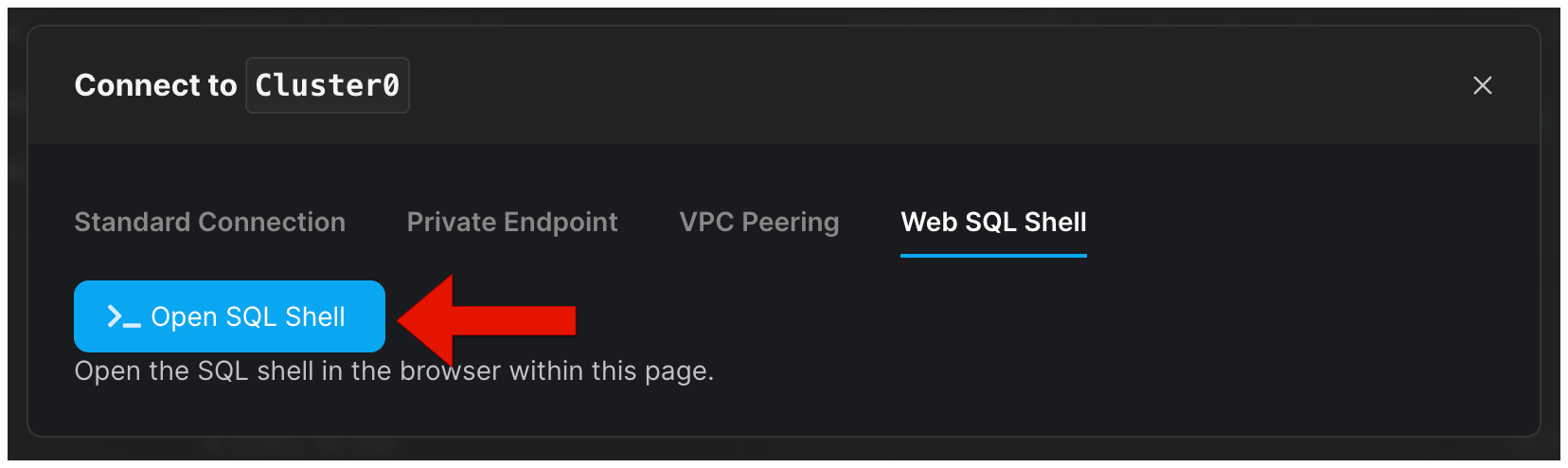
4. Click `Open SQL Shell`, enter the password of the cluster, and hit `enter`.
### Solution Steps
1. On the `Clusters` page, click the name of the cluster to enter the `Overview` page of the cluster.
 2. On the `Overview` page, click `Connect` in the upper-right corner.
3. In the Connect setting window, select the `Web SQL Shell`.
2. On the `Overview` page, click `Connect` in the upper-right corner.
3. In the Connect setting window, select the `Web SQL Shell`.
 4. Click `Open SQL Shell`, enter the password of the cluster, and hit `Enter`.