# Exercise 3-3: Viewing the Organization and Project Settings
## Overview
+ In this exercise, you view the organization and project settings.
## Duration
+ This exercise should take you approximately 5 minutes to complete.
## Tasks
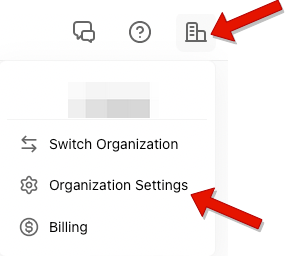
1. Click `Organization` in the upper-right corner, and then click `Organization Settings`.
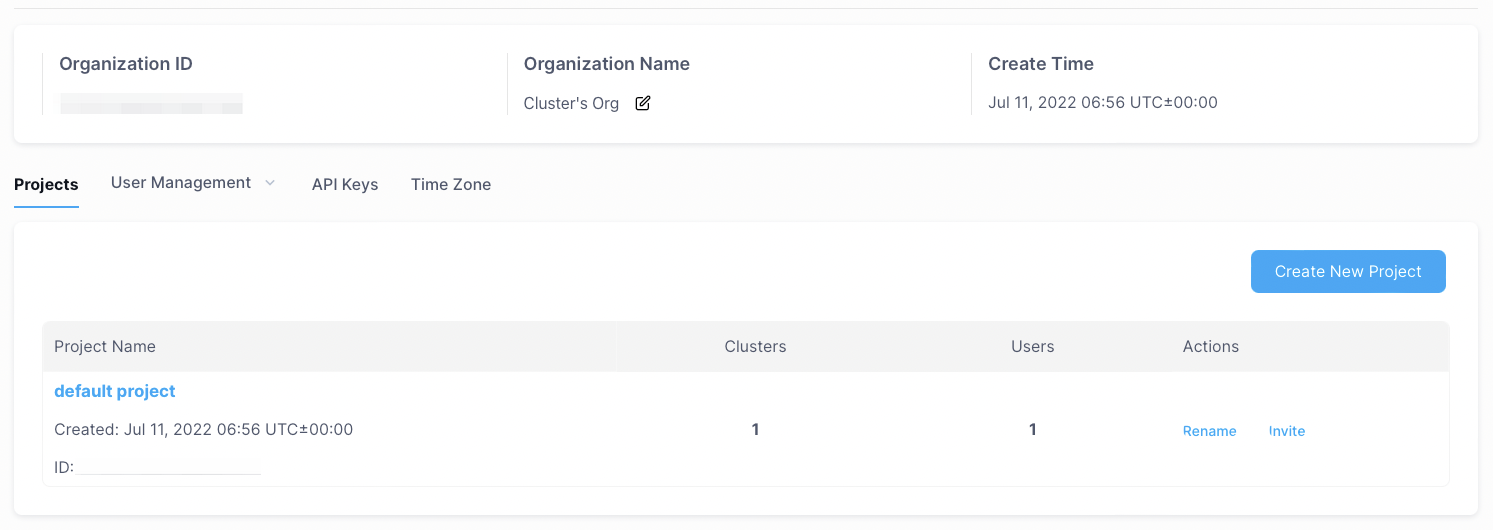
2. You can view your organization on the page that is displayed.
## Solution Steps
1. Click `Organization` in the upper-right corner, and then click `Organization Settings`.
 2. You can view your organization on the page that is displayed.