# Exercise 4-1: Configuring TiDB Cloud Built-in Alerting
## Overview
+ In this exercise, you subscribe to alert notification emails from TiDB Cloud.
## Notes:
+ You cannot customize the TiDB Cloud built-in alerting.
## Duration
+ This exercise should take you approximately 5 minutes to complete.
## Tasks
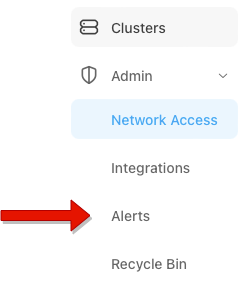
1. Click the `Admin` in the left navigation pane then click `Alerts`.
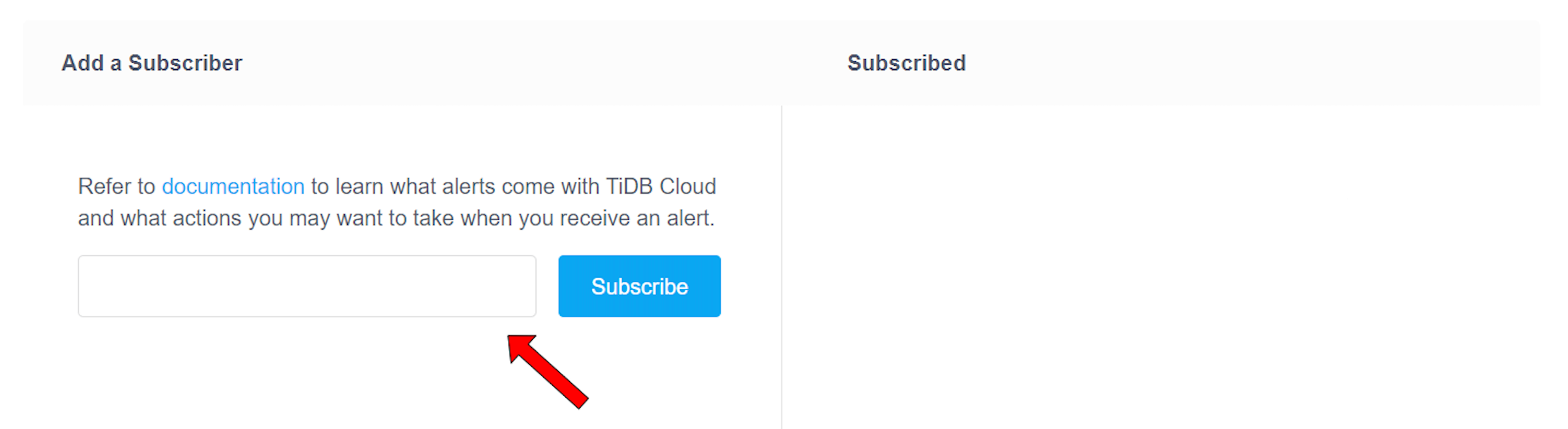
2. In `Alerts` page, enter your email address, and then click `Subscribe`.
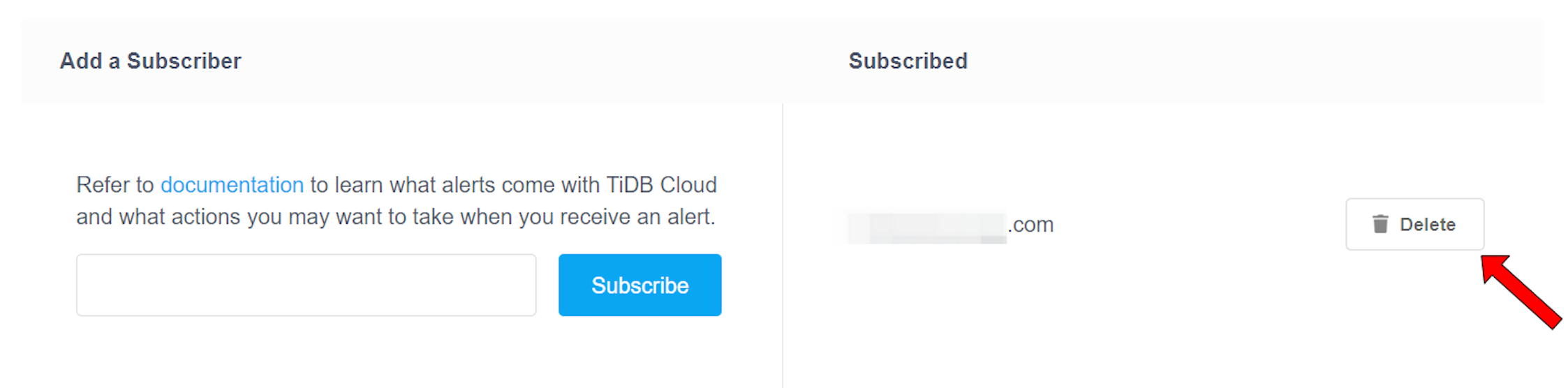
3. In `Alerts` page, choose an email address and click `Delete`.
## Solution Steps
1. Choose a project to receive alert notification emails, and then click the `Admin` in the left navigation pane then click `Alerts`.
 2. In `Alerts` page, enter your email address, and then click `Subscribe`.
 3. If you no longer want to receive alert notification emails of clusters in your project. In `Alerts` page, choose an email address and click `Delete`.