# Exercise 4-2: Viewing TiDB Cloud Built-in Monitoring
## Overview
+ In this exercise, you view TiDB Cloud Built-in Monitoring.
## Notes:
+ This task is for `Dedicated Tier` cluster only.
## Duration
+ This exercise should take you approximately 5 minutes to complete.
## Tasks
1. On the `Clusters` page, click the name of the cluster to enter the `Overview` page of the cluster.
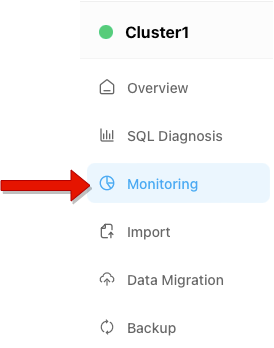
2. Click `Monitoring` in the left navigation pane.
3. In the `Metrics` tab, you can view the metrics of your cluster.
## Solution Steps
1. On the `Clusters` page, click the name of the cluster to enter the `Overview` page of the cluster.
 2. Click `Monitoring` in the left navigation pane.
 3. In the `Metrics` tab, you can view the metrics of your cluster.
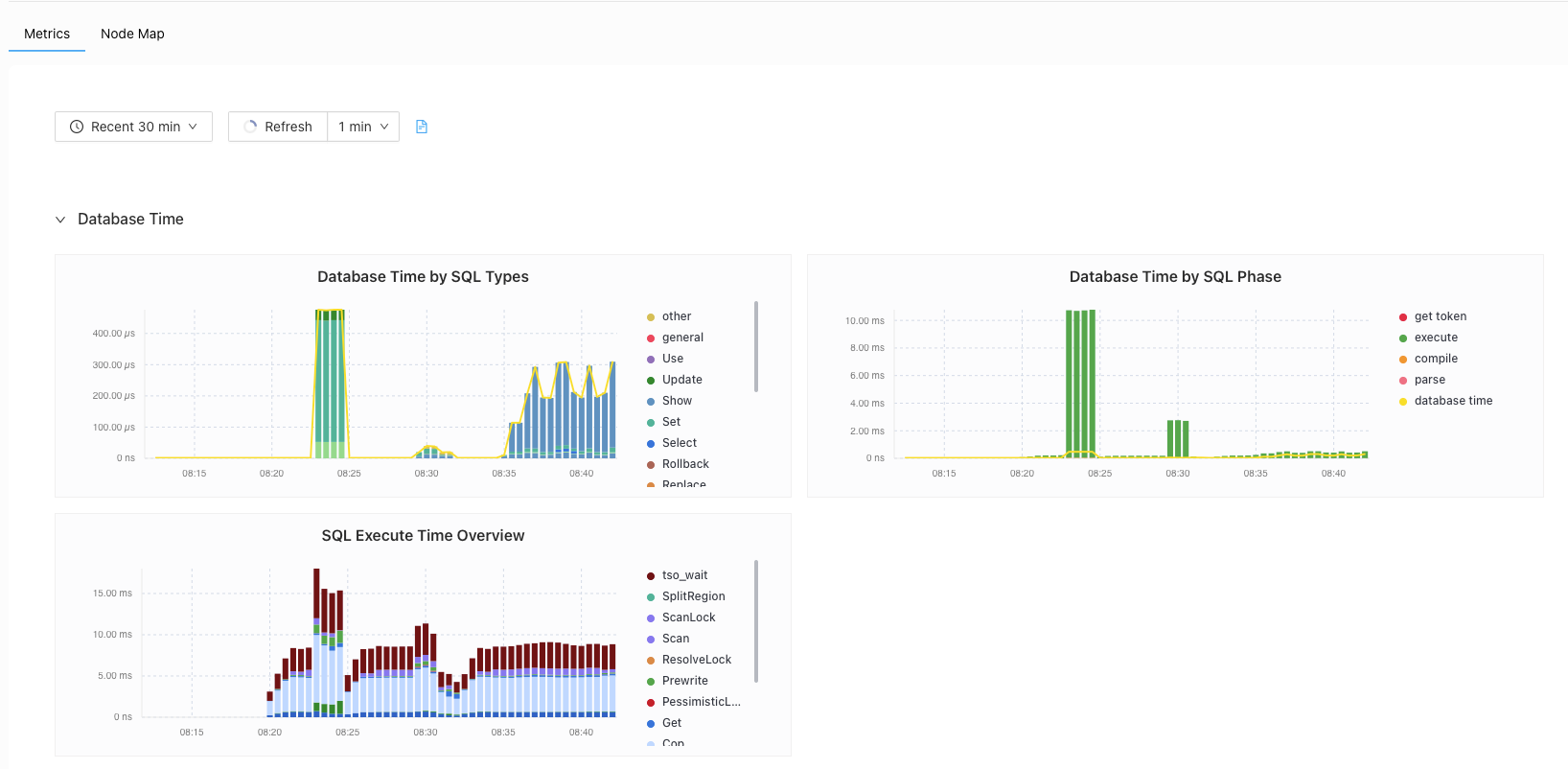 4. The metrics description on the Monitoring page, see [Monitoring metrics](https://docs.pingcap.com/tidbcloud/built-in-monitoring#monitoring-metrics).