# Exercise 4-2: Scaling up TiDB Cloud Cluster
## Overview
+ In this exercise, you increase the node storage of TiKV and TiFlash.
## Notes:
+ This exercise is for `TiDB Dedicated` cluster only.
+ For a running cluster, AWS and Google Cloud do not allow in-place storage capacity downgrade.
## Duration
+ This exercise should take you approximately 15 minutes to complete.
## Tasks
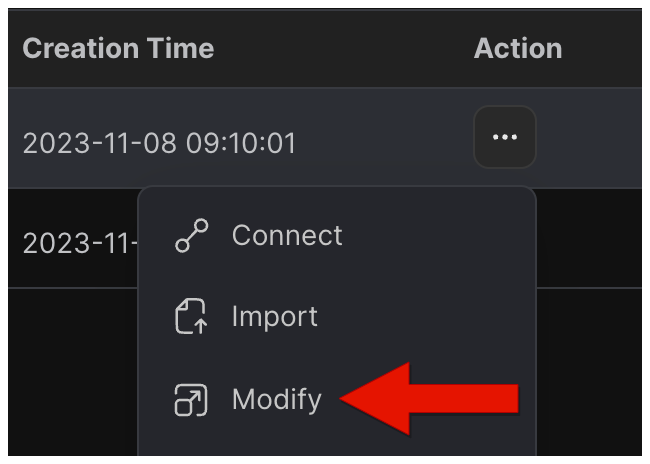
1. Click drop-down menu in the upper-right corner, and then select `Modify`.
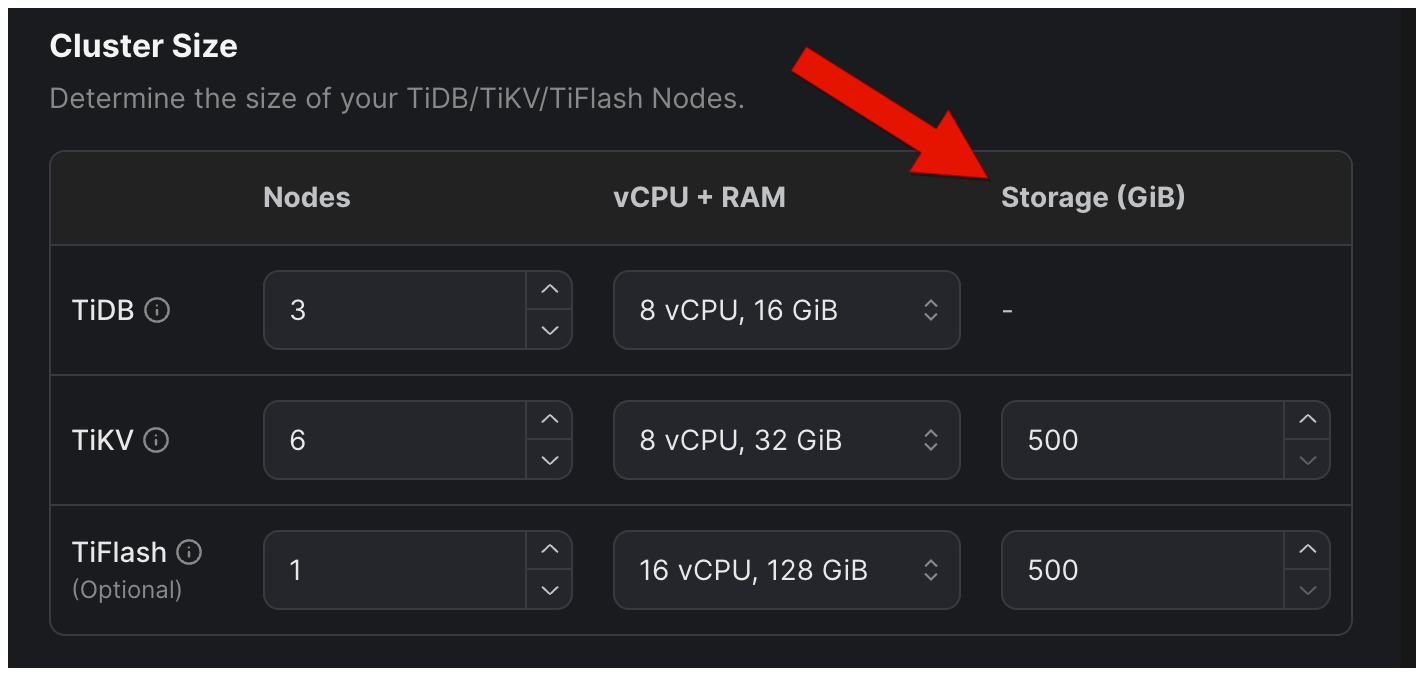
2. In the `Modify Cluster` window, scale up TiDB Cloud cluster.
3. Wait for your TiDB Cloud cluster to scale up.
## Solution Steps
1. Click drop-down menu in the upper-right corner, and then select `Modify`.
 2. In the `Modify Cluster` window, you can increase the `Node Storage` of TiKV and TiFlash.
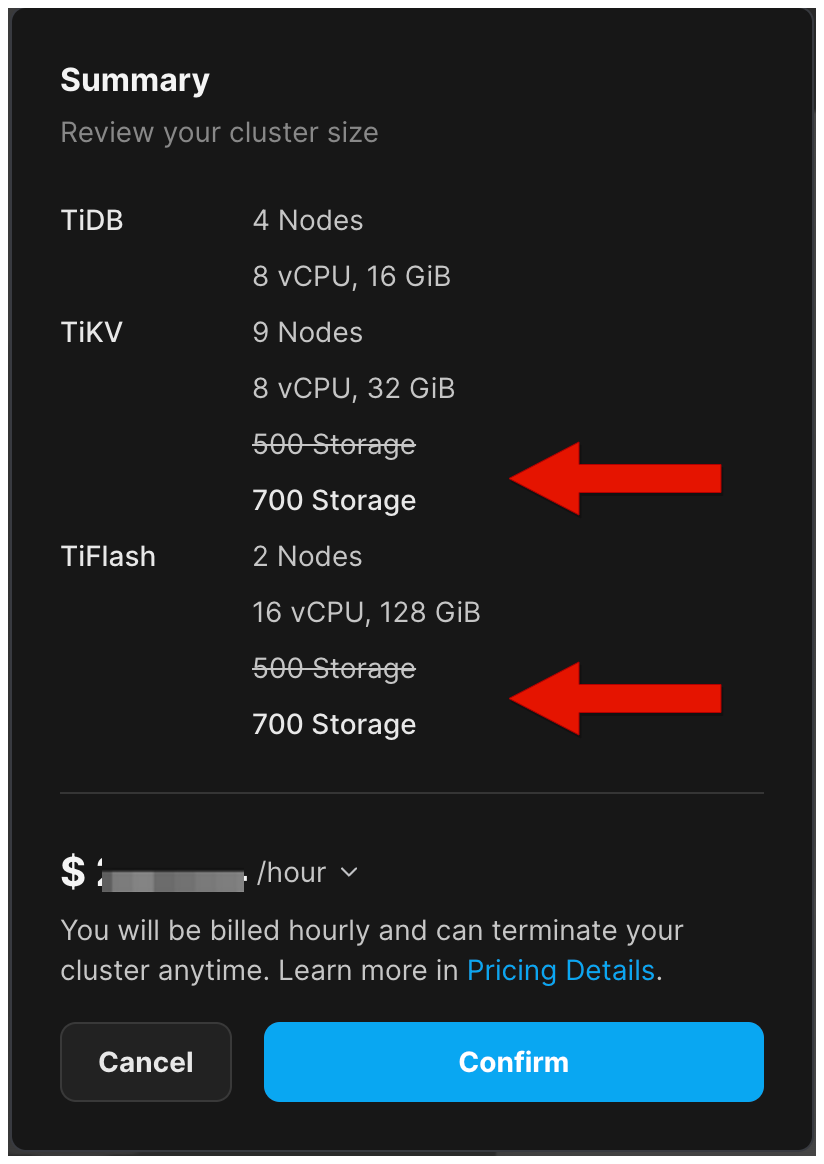
 3. Review the cluster size in the right pane, and then click `Confirm`.
 4. Wait for your TiDB Cloud cluster to scale up.