# Exercise 5-1: Preparing Example Data
## Overview
+ In this exercise, you prepare example data for importing data exercise.
## Notes:
+ Before this exercise, make sure you can use AWS S3.
## Duration
+ This exercise should take you approximately 5 minutes to complete.
### Tasks
1. Clone example data repo to local.
2. Change the working directory.
3. Verify the all data directories in the misc directory.
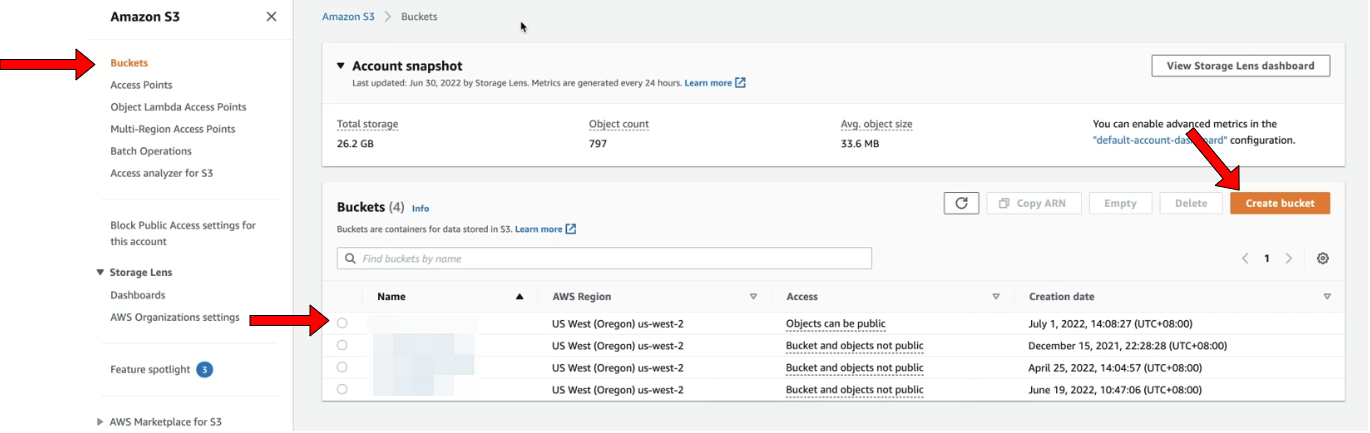
4. Open the Amazon S3 console, choose or create a bucket to store example data.
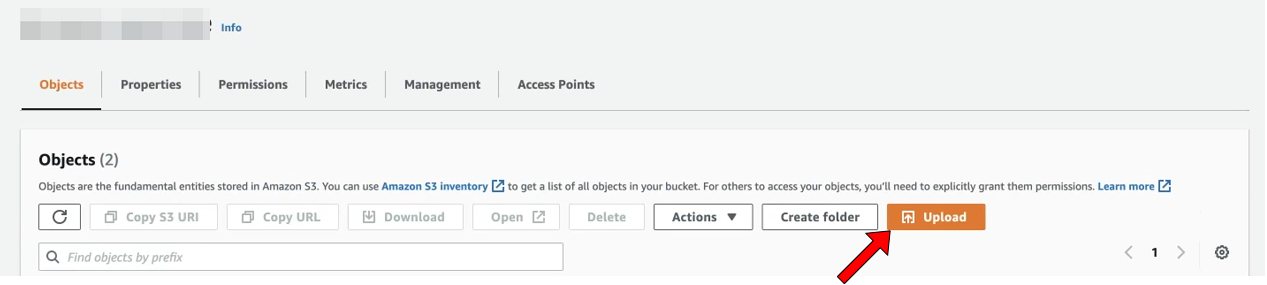
5. Click `Upload` to upload all data directories to the bucket.
## Solution Steps
1. Clone example data repo to local.
```
$ git clone https://github.com/pingcap/tidb-course-201-lab
```
2. Change the working directory.
```
$ cd tidb-course-201-lab/scripts/misc
```
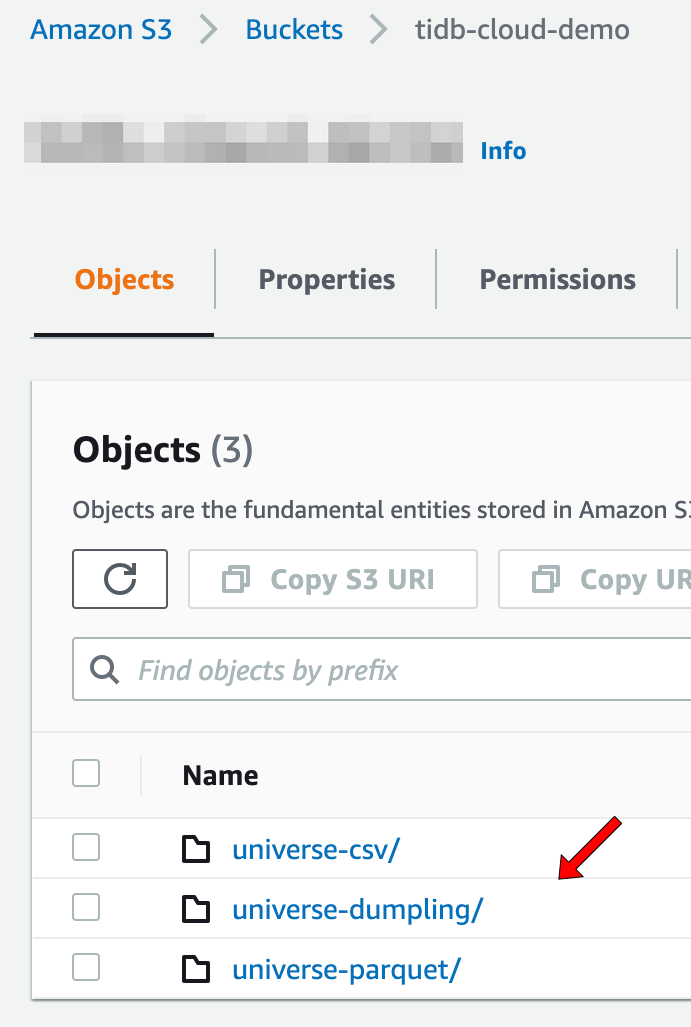
3. Verify the all data directories (`universe-csv/`, `universe-dumpling/`, `universe-parquet/`) in the misc directory.
```
universe-csv
universe-dumpling
universe-parquet
```
+ Example CSV data files:
```
universe-schema-create.sql
universe.moons-schema.sql
universe.moons.csv
universe.planets-schema.sql
universe.planets.0000001.csv
universe.planets.csv
universe.planet_categories-schema.sql
universe.planet_categories.csv
universe.stars-schema.sql
universe.stars.csv
```
+ Example TiDB Dumpling data files:
```
metadata
universe-schema-create.sql
universe.moons-schema.sql
universe.moons.0000000010000.sql
universe.planets-schema.sql
universe.planets.0000000010000.sql
universe.planet_categories-schema.sql
universe.planet_categories.0000000010000.sql
universe.stars-schema.sql
universe.stars.0000000010000.sql
```
+ Example Parquet data files:
```
universe-schema-create.sql
universe.moons-schema.sql
universe.moons.parquet
universe.planets-schema.sql
universe.planets.0000001.parquet
universe.planets.parquet
universe.planet_categories-schema.sql
universe.planet_categories.parquet
universe.stars-schema.sql
universe.stars.parquet
```
4. [Open the Amazon S3 console](https://console.aws.amazon.com/s3/), in the `Buckets` section, you can choose or create a bucket to store example data.
 5. Click `Upload` to upload all data directories (`universe-csv/`, `universe-dumpling/`, `universe-parquet/`) to the bucket.