# 演習 7-1: サンプルデータの準備
## 概要
+ この演習では、データインポート演習のためのサンプルデータを準備します。
## ノート
+ この練習の前に、Amazon S3を使用できるかどうかを確認します。
## 所要時間
+ この演習は、あなたが完了するのに約10分かかるはずです。
## ステップ
1. サンプルデータリポジトリをクローンします。
```
$ git clone https://github.com/pingcap/tidb-course-201-lab
```
2. 作業ディレクトリを変更します。
```
$ cd tidb-course-201-lab/scripts/misc
```
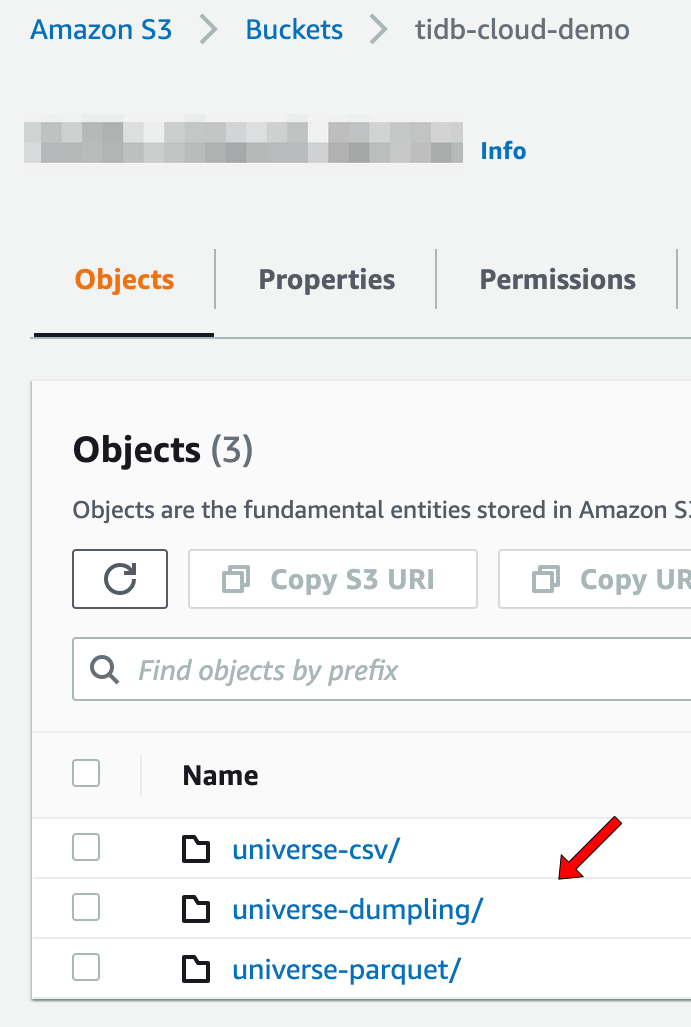
3. データディレクトリ(`universe-csv/`、`universe-dumpling/`、`universe-parquet/`)を`misc`ディレクトリ内で確認します。
```
universe-csv
universe-dumpling
universe-parquet
```
+ サンプルのCSVデータファイル:
```
universe-schema-create.sql
universe.moons-schema.sql
universe.moons.csv
universe.planets-schema.sql
universe.planets.0000001.csv
universe.planets.csv
universe.planet_categories-schema.sql
universe.planet_categories.csv
universe.stars-schema.sql
universe.stars.csv
```
+ TiDB の Dumpling データファイルのサンプル:
```
metadata
universe-schema-create.sql
universe.moons-schema.sql
universe.moons.0000000010000.sql
universe.planets-schema.sql
universe.planets.0000000010000.sql
universe.planet_categories-schema.sql
universe.planet_categories.0000000010000.sql
universe.stars-schema.sql
universe.stars.0000000010000.sql
```
+ サンプルのParquetデータファイル:
```
universe-schema-create.sql
universe.moons-schema.sql
universe.moons.parquet
universe.planets-schema.sql
universe.planets.0000001.parquet
universe.planets.parquet
universe.planet_categories-schema.sql
universe.planet_categories.parquet
universe.stars-schema.sql
universe.stars.parquet
```
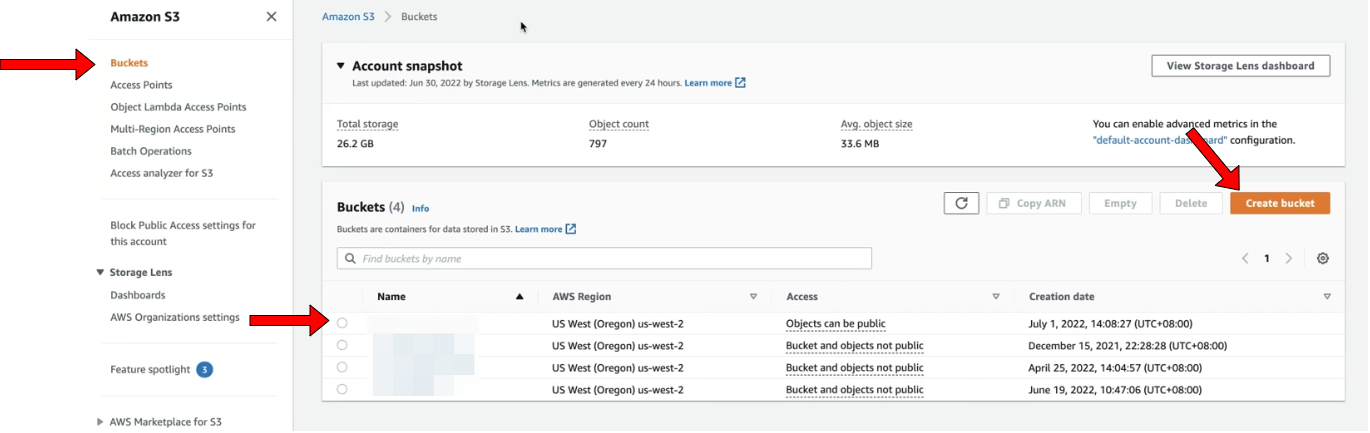
4. Amazon S3コンソールを開きます([https://console.aws.amazon.com/s3/](https://console.aws.amazon.com/s3/))。`Buckets`セクションで、サンプルデータを格納するためのバケットを選択または作成できます。
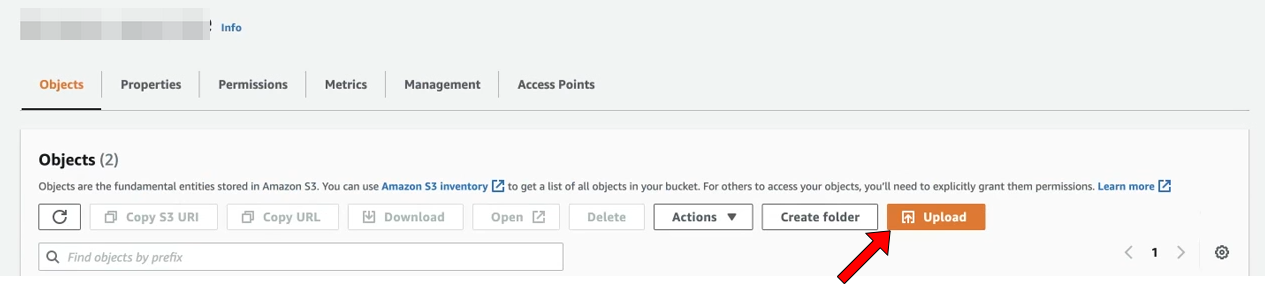
 5. `Upload`をクリックして、すべてのデータディレクトリ(`universe-csv/`、`universe-dumpling/`、`universe-parquet/`)をバケットにアップロードします。